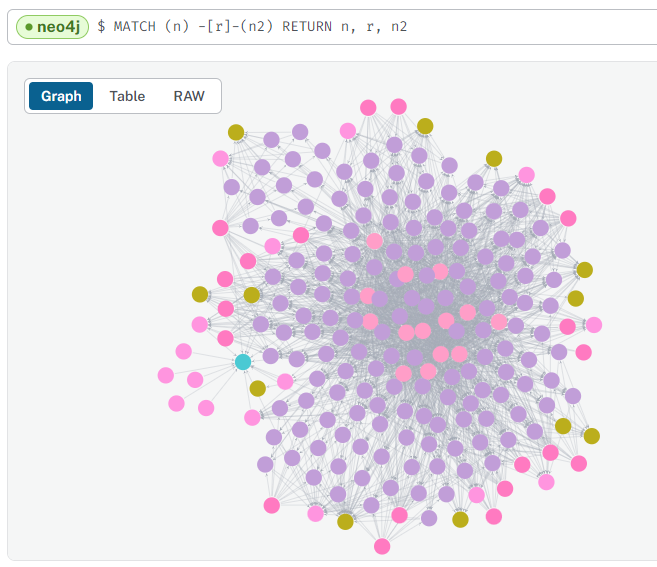
With accessible csv files, the final module of the ETL pipeline creates (or updates) nodes and relationships in the Neo4j instance.
There are two authentication requirements:
Google Drive to get node and relationship files and data.
Neo4j Aura instance is connected to with Keyring encrypted credentials.
Nodes and relationships are dynamically processed by using a file-pattern matching approach. However, this can be overridden within configuration, if needed.
Also in configuration is the option to create a database schema. There are three options:
No schema
Dynamic (default) - creates unique constraints based on nodes
Custom - allows the user to specify specific constraints prior to loading.
At this point, the ETL loads data on a row-by-row basis, reading the public csv files. Columns become properties with data types cross-referenced from a data-mapping dictionary in the configuration.
If there have been no errors - we should have data in our Neo4j Aura instance!
Data successfully loaded for “MSc Artificial Intelligence (I400)”